
Picking the right tools for the job
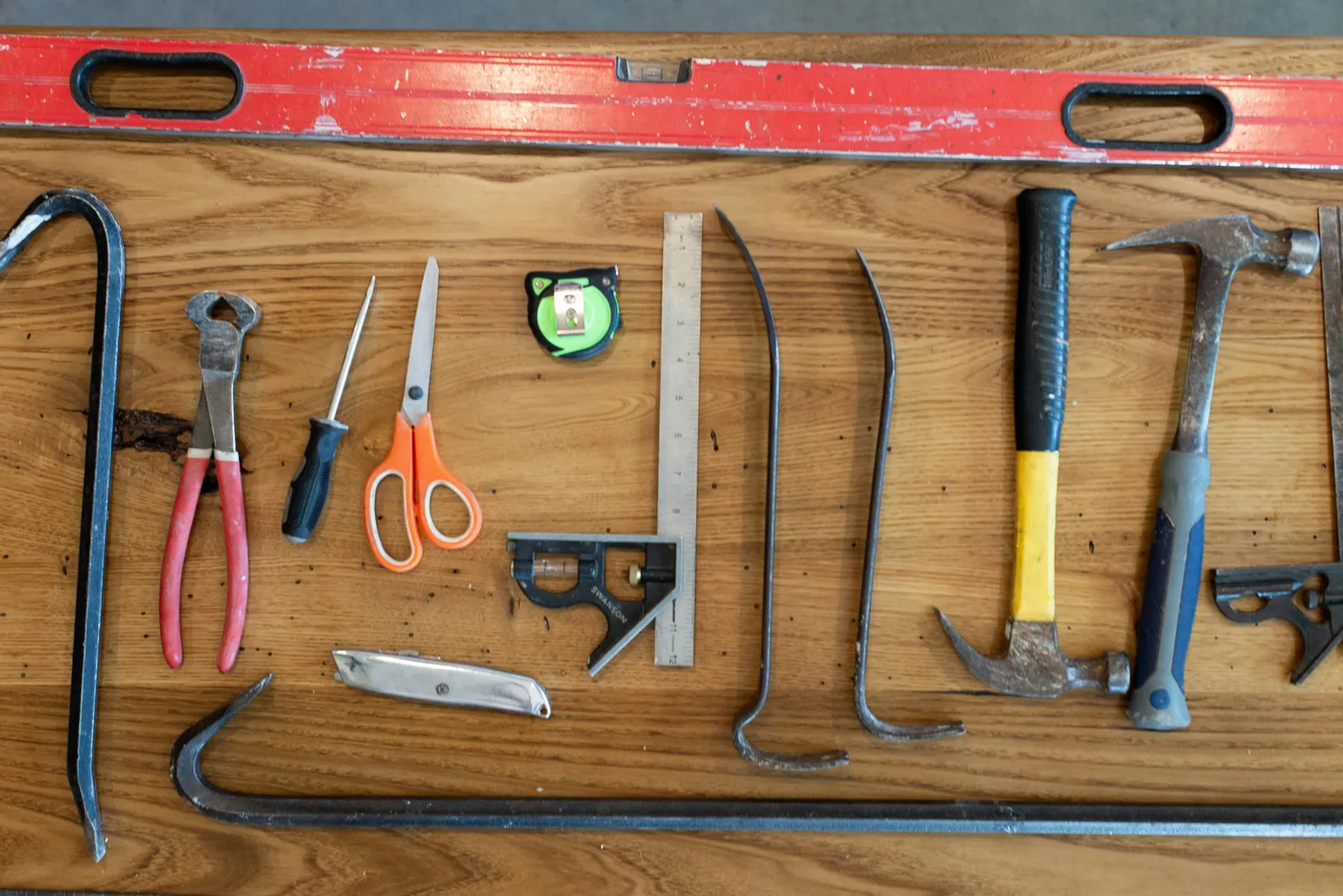
This is always pegged to the people who will be building and circumstantial to the requirements of the project, so I’ll break it down into the questions I actually ask when scoping out a job. I started this in 2020, and the questions haven’t changed. A few of the answers have, so I’ve updated those as I go.
Platforms
Is the site eCommerce?
Nine times out of ten, don’t reinvent the wheel and custom build this. Use a platform that is good to go with plugins, maintenance teams and payment gateways already sorted.
- Squarespace: the web editor is by far the nicest of the lot and it looks the best. Limited apps, but does the essentials very well. Payment gateway setup is easy, events and much more all included in the box.
- Shopify: lots of apps, easy to rack up a monthly bill. Custom templates available, Liquid (their templating language) is easy to learn and the platform as a whole is flexible enough to solve most problems an eCommerce site might have. Payment gateway setup is easy and there are lots of free add-ons ready to go.
- WordPress: while somehow becoming the most installed blogging CMS on the web, it’s been butchered into a common eCommerce platform with “plugins”. Honestly, it’s like a guide to everything you shouldn’t do on the web. A framework of worst practices, bad security and spaghetti code. Do yourself a favour and stay clear unless you want to learn about getting hacked and live editing on the server.
There are lots more platforms out there, but these are the main three you should consider or avoid.
If the answer is no, one of these might still do the job if the client wants a blog with a CMS. More likely they want something you maintain, or something more complex, so it’s time to consider a custom build.
Is the site static, or does it only need minimal functionality?
If yes, consider a JAM (JavaScript, API, Markup) snack, er, I mean stack. These frameworks are also known as static site generators, and honestly they are mostly a joy to use. This is the future of brochureware and blogs that we all want: super fast development, you can host it anywhere, writing markup for content is lovely and CI is a couple of clicks. Shut up and take my money already.
I favour the Hugo + GitHub + Netlify holy trinity. This website is built on exactly that stack, I made it in a couple of evenings, and six years on I have never once had to touch the hosting. The stack is free, including the hosting, so it’s perfect to throw your side projects on as well. In 2020 I’d have told you to bolt on Forestry for a CMS; Forestry is gone now, and in practice I just edit the markdown and push, which turns out to be the CMS I actually wanted.
However, if you have complex business logic on the back end, then you will need to consider either a decoupled API service like Contentful, or a richer and heavier business framework that is specifically built for the task.
Do you have to build complex business logic?
This is the land of the full business frameworks: Laravel, Rails, Django, .NET, Spring, and the Node and Go equivalents. They are the tireless workhorses of the internet, powering every major brand under the sun at some point, and most still do, so they are always a solid choice.
Lots of developers know them and they tend to be very mature and well documented. Whichever flavour you prefer, I would almost always recommend using a framework so you can standardise your application, use all the goodies they provide out of the box, and let new developers quickly understand what paradigm they are working in. My own default is Laravel, because it ships with the boring parts (auth, queues, mail, validation, an HTTP client, a scheduler) done well, and I’d rather spend my cleverness on the business problem than on rebuilding a queue.
However, there are many times the wrong tool gets used because of company policy or lack of knowledge. A good example is using Java or C++ as a web back end, which is slow and costly to build when you could achieve the same thing in a quarter of the time (or less) using .NET, Go, PHP, Python or Ruby.
There are times you have to use these lower-level languages, but it’s rare for web to go near them. And if you do, I would still abstract it out behind an API and let the website and mobile apps talk to that.
Mobile
The question here is the same one as eCommerce: do you really need to custom build it?
Most of the time what the client wants from “an app” is their website on a phone, with a notification or two. A well-built responsive site, installable as a progressive web app, covers that for a fraction of the cost and with one codebase to maintain. Start there and let the business prove it needs more.
If it genuinely needs native features (camera, background location, Bluetooth, offline-first sync, the App Store as a distribution channel), then pick a cross-platform framework before you pick two native codebases. Flutter and React Native are the two I’d put in front of a client today. Flutter if the design is custom and you want it pixel-identical on both platforms; React Native if the team already lives in JavaScript. Two native codebases are for companies with two native teams, and you are probably not one of them.
And whichever you pick, the back end is an API. Which is the same API the website uses. Which is the point.
Front end
The front end has come a long way since the good old days when this just meant HTML, CSS and JavaScript. It’s now considered as complex, if not more so, than the back end, and it’s still a competition of fancy race cars rather than dependable trucks.
Collaborative tools
Does the project require multiple people to edit, read and write at the same time? If the answer is yes, your toolset should directly answer this problem, because it’s probably the hardest one you’ll have to solve. Luckily you have some solid front end frameworks, Angular, React and Vue (and Svelte, these days), that are built around exactly this kind of state problem, so you will probably end up with one of them in your stack.
This then changes the shape of everything behind it. Real-time collaboration means websockets or a service that does them for you, a way to resolve two people editing the same thing (and no, “last write wins” is not a way), and a back end that treats the front end as a client of an API rather than something it renders. Decide this early. Retrofitting real-time onto a server-rendered app is the kind of job that goes on for a year.
If the answer is no, and it usually is, then don’t pay the single-page-app tax. A server-rendered framework with a sprinkle of JavaScript (Livewire, HTMX, Hotwire, Alpine) will ship faster, be easier to hire for and have far fewer moving parts.
Use the tool that is right for the job, not the one you know
So often we reach for the tools we know. After all, it makes us feel safe and we kind of know what we are doing. But there are times when this is the wrong choice and you just have to suck for a little bit and learn a new skill.
For example, if you are going to do layout, embrace HTML and CSS. If you want to talk to databases, learn SQL. And so on.
In the current climate of batshit front end frameworks you can do it all in JavaScript. To me this is like using a screwdriver for every job in your house. It doesn’t encourage the developer to learn how things actually work, it makes you totally reliant on the framework, and things move very fast in web technology, so it might not be around next week or you are locked into a cycle of updates every few months.
Most problems you face with web technology now have an answer, so I encourage you to at least try the tools that were built to solve the problem in front of you.
Use the tools the team mostly knows
This is the counterweight to the last section, and it wins more often than people like to admit.
A team that knows Laravel will ship a Laravel app faster, with fewer bugs, than the same team shipping its first Rails app, even if Rails is marginally the better fit. Learning a new stack on a paid project costs you the learning time, the mistakes you don’t know you’re making yet, and the six months before anyone on the team can debug it at 2am. That cost is real and it’s paid in the client’s money.
So the rule I use: pick the right tool for the job from the set of tools the team can be productive in within a week. If the right tool is outside that set, the project has to be big enough, or long enough, to pay for the learning. A three-month build is not. A product you’ll run for five years might be, and then you should learn it on a small piece first, not on the core.
And hire for the stack you’ve chosen, not the stack the next candidate happens to like.
Use the tools the job already has
The least glamorous rule and the most important one. If you’re walking into an existing system, the right tool is usually the one already there.
Every new language, framework, database or queue you add to a codebase is one more thing the next person has to know. A Laravel app with one Python microservice “because Python’s better at that” now needs two sets of deployment, two sets of monitoring, two sets of people. The second service is rarely worth the second everything.
Before you add a tool, ask three questions. Does something already in the stack do this well enough? Is “well enough” actually the problem, or is it that you’d rather use the shiny thing? And who maintains it when you’ve left? If the honest answers are yes, the second one and nobody, use what’s there.
The exception is when the existing tool is the problem: the WordPress eCommerce site held together with forty plugins, the custom framework somebody wrote in 2014 that only they understand. Then you’re not picking a tool, you’re planning a migration, and that’s a different post.
A note on 2026
Everything above was written before AI assistants became part of the job, and I’ve thought about whether that changes it. It changes one thing. “Use the tool you know” used to carry a hidden cost: the tools you know are the tools you’ll keep using, long past the point they fit. An assistant collapses the learning curve on a new framework from months to days, so the honest answer to “should we use the right tool or the one we know” has moved a little towards the right tool.
But only a little. The assistant will write you a competent first Rails app. It will not be there at 2am when the queue backs up and nobody on the team knows what a Sidekiq is. The people still have to know the stack. The AI just makes the first week cheaper.
Take away
- Don’t custom build what a platform already does. Especially eCommerce.
- Static sites: Hugo, GitHub, Netlify. Free, fast, and this site is the proof.
- Complex business logic: a mature framework, in a language that’s fast to build in. Not Java for a website.
- Mobile: a responsive site first, cross-platform second, two native apps almost never.
- Only pay the single-page-app tax if the job is genuinely collaborative. Most aren’t.
- Learn the right tool when the project is big enough to pay for it. Otherwise use the one the team knows.
- And if there’s already a tool in the job doing it well enough, use that.